
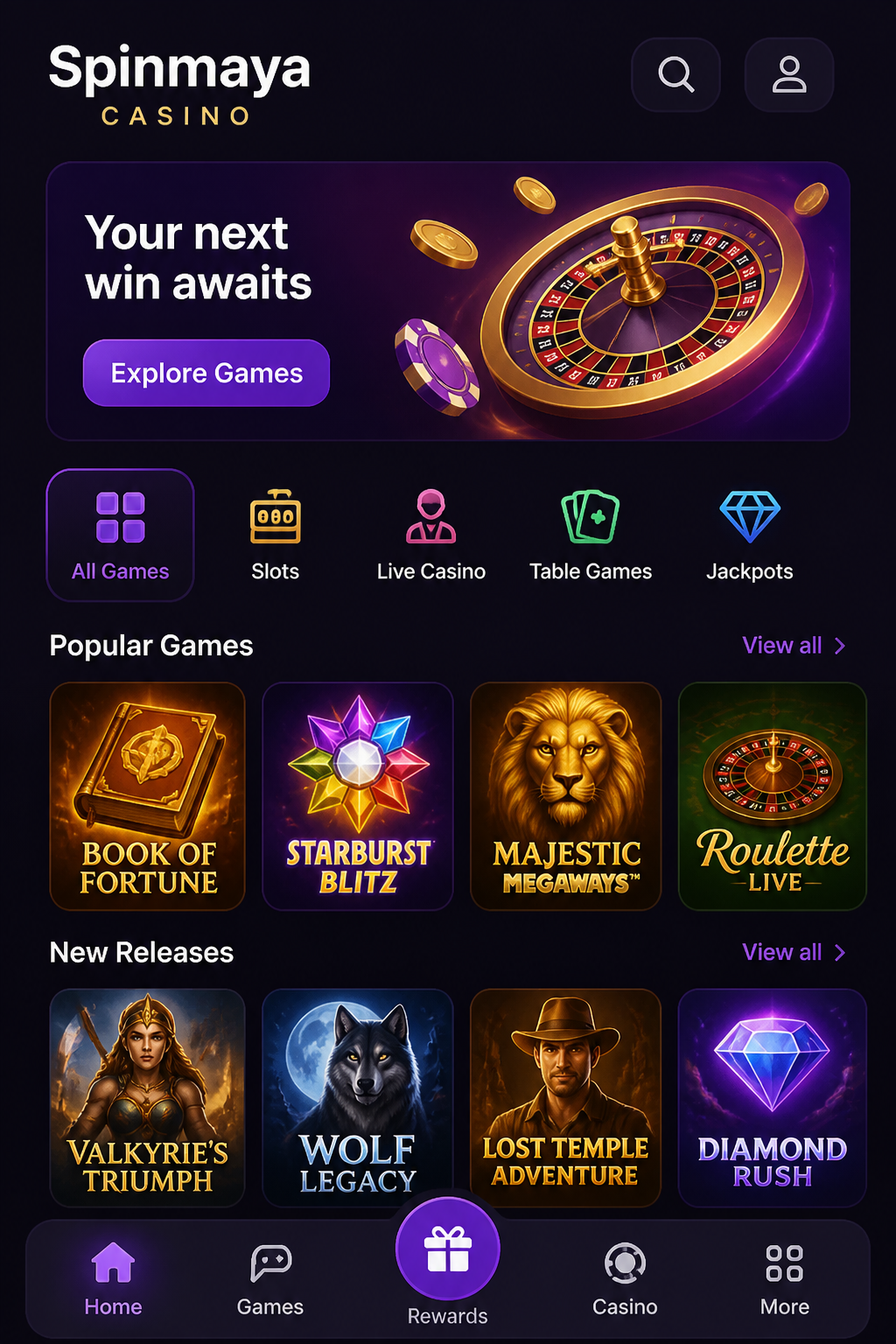

Spinmaya is always within reach. The casino works entirely in the browser on your phone or tablet, so you do not need to install anything to play. You log in with your regular account and get instant access to slots, live tables, your balance and the cashier. Below, you will learn how Spinmaya works on iPhone, iPad and Android, which games you can play on the go and how to resolve minor technical issues yourself.
| On your mobile device | Spinmaya | Useful tip |
|---|---|---|
| Access | Via your browser | Safari on iPhone, Chrome on Android |
| Installation | Not required | Add an icon to your home screen |
| Slots | Full game selection | Landscape mode gives you a better view |
| Live tables | Roulette, blackjack, game shows | Play using a stable Wi-Fi connection |
| Payments | Debit card, credit card, e-wallet | Deposits are credited directly to your balance |
| Account verification | Documents uploaded using your camera | Upload them immediately after registering |
Playing Spinmaya on the Go

The mobile version of Spinmaya is not a limited version of the website. You get the same game selection, promotions and account as on your computer. However, the layout is adapted to a smaller screen: buttons are larger, the menu is hidden behind a single icon and you can navigate easily with your thumb. What you start at home, you can simply continue on the train or on the sofa.
Opening Spinmaya on Your Phone
Playing Through Your Internet Browser
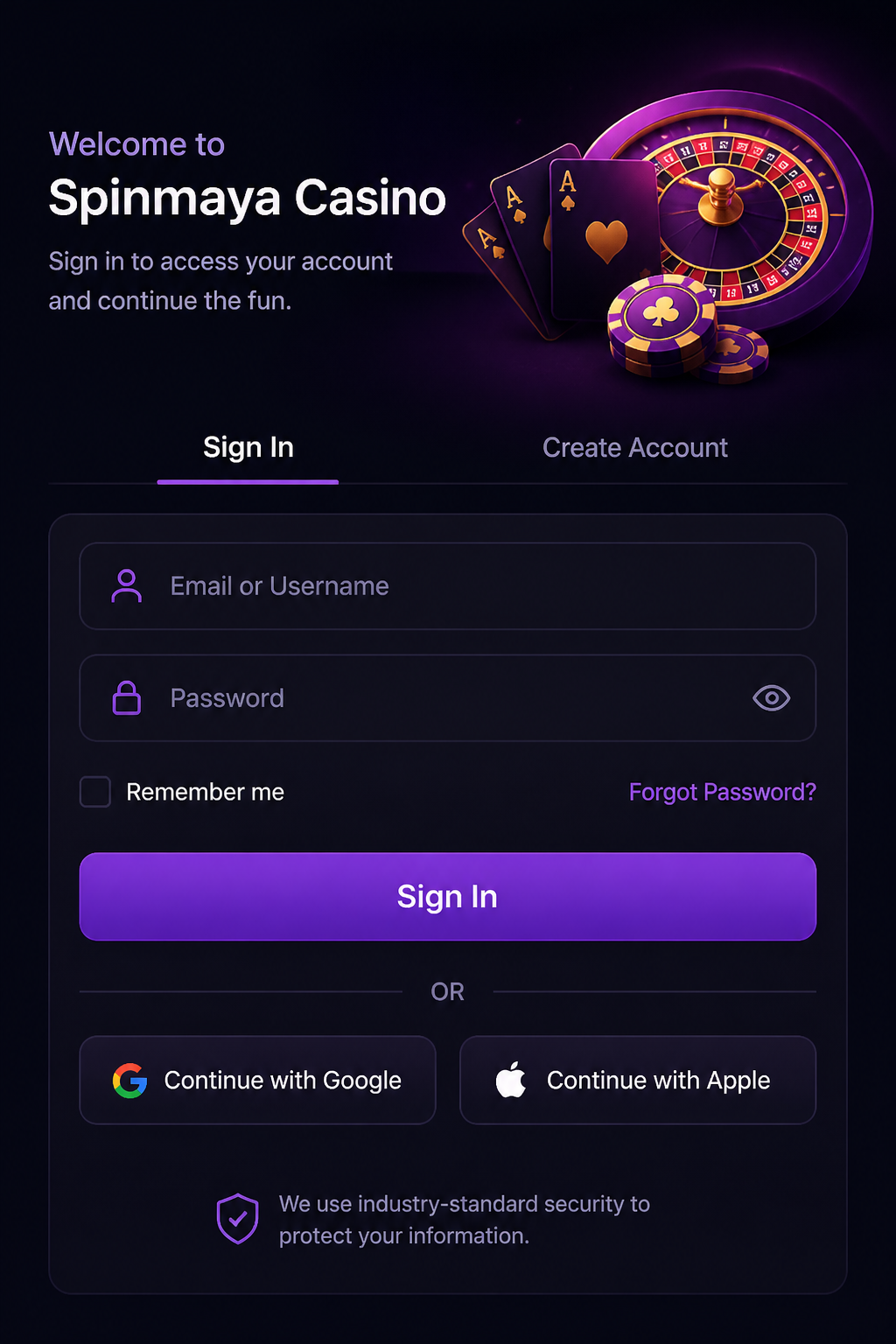
Open the browser on your phone, enter the Spinmaya website address and the site will automatically adapt to your screen. You log in using the same email address and password as on your computer. Your balance, bonuses and gaming history are immediately available because everything is linked to your account.
Playing Without Downloading Anything
Because Spinmaya runs in your browser, it does not take up storage space on your device. You do not need to install updates or grant permissions. Every time you open the website, you automatically load the latest version with all the current games.
Adding Spinmaya as an Icon to Your Home Screen
Want to open Spinmaya as quickly as an app? Add the website to your home screen. You will get an icon among your other apps, and a single tap takes you straight to the lobby. Removing it is just as easy, without changing anything in your account.
Spinmaya on iPhone
Opening Spinmaya in Safari
On iPhone, Spinmaya works best in Safari. Open the website, tap the share button at the bottom and choose the option to add it to your home screen. Keep your iPhone updated for the smoothest gameplay and the best security.
Playing Slots on Your iPhone
Slots run smoothly on iPhone in both portrait and landscape mode. You adjust your stake using the plus and minus buttons and start a spin with a single tap. The information button within the game lets you view the paytable and bonus features.
Live Tables on Your iPhone
You can watch live roulette, blackjack and game shows on your iPhone through a high-quality video stream. Turn your phone to landscape mode for a larger view of the table. With a stable connection, you will not miss a single betting opportunity.
Spinmaya on iPad
Better Visibility on a Larger Screen
On an iPad, you can see much more of the lobby at once. Games appear larger, and the menu looks more like the desktop version. This is ideal if you want to play for a longer period and browse the game selection at your own pace.
Live Dealers on Your Tablet
Live tables look particularly good on a tablet. You can see the dealer, the cards and the betting board at the same time without zooming in. This is especially helpful when making decisions in blackjack and baccarat.
Spinmaya on Android
Opening Spinmaya in Chrome
On Android, Spinmaya works best in Chrome. Open the three-dot menu and choose the option to add the website to your home screen. Keep Chrome and your Android version up to date for the best performance.
Playing on an Android Phone
Spinmaya works on almost every recent Android phone, from basic models to high-end devices. On older devices, live tables may take a little longer to load. Close apps running in the background for smoother gameplay.
Playing on an Android Tablet
On an Android tablet, you get the same advantage as on an iPad: a larger lobby and more space at live tables. Slots with multiple reels look best when you hold your tablet in landscape mode.
Website or App: Which Is More Convenient?
The Icon on Your Home Screen
You play Spinmaya through the mobile website, but with an icon on your home screen, it feels like a real app. You can open the casino with a single tap and stay logged in. Always use Spinmaya's official website address and avoid downloading files from other websites.
Playing in Your Browser
If you prefer playing without an icon, simply open Spinmaya in a browser tab. The advantage is that you can log in on any device without setting anything up, including your tablet at home or your partner's phone.
Compatible Phones and Tablets
Spinmaya works on iPhones and iPads running a recent version of iOS and on Android devices with an updated browser. A screen of at least five inches and a stable internet connection are enough for all games, including live tables.
Which Games Work on Your Phone?
Slots on a Small Screen
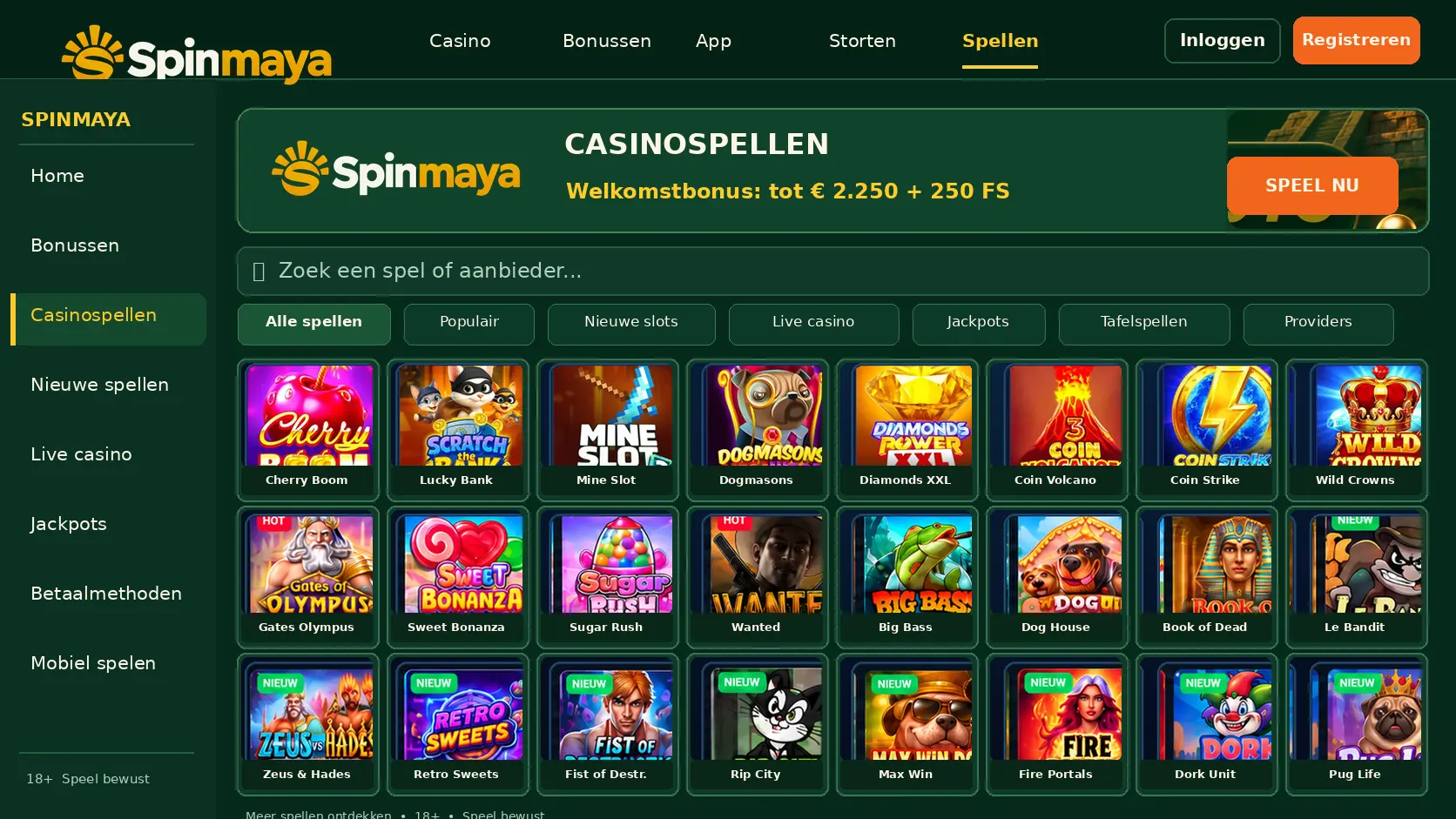
Almost all slots are designed for touchscreen use. From classic fruit machines to modern slots with bonus rounds, everything runs just as well as on a computer. The search bar also lets you find your favourite game on mobile in just a few seconds.
Live Tables with Real Dealers
The complete live game selection is also available on your phone. You place your bets by tapping the digital betting board and follow the action live. During game shows, multipliers and results are clearly displayed on the screen.
Quick Games and Scratch Cards
Quick games and scratch cards are ideal for a short break. One tap and you see the result. Because of the fast pace, it is sensible to choose a fixed budget per session in advance.
Managing Your Account on Your Phone
Logging In to Spinmaya
You log in using your email address and password. If you share your phone with others, do not save your password and make sure to log out when you are finished.
Checking Your Balance
Your balance is always displayed at the top of the screen. In your account, you can also see separately how much real money and bonus money you have, as well as your progress towards meeting the wagering requirement of an active bonus.
Setting Limits
You can set limits on your deposits, losses or playing time just as easily on your phone as on your computer. A limit set on mobile immediately applies to your entire account.
Updating Your Details
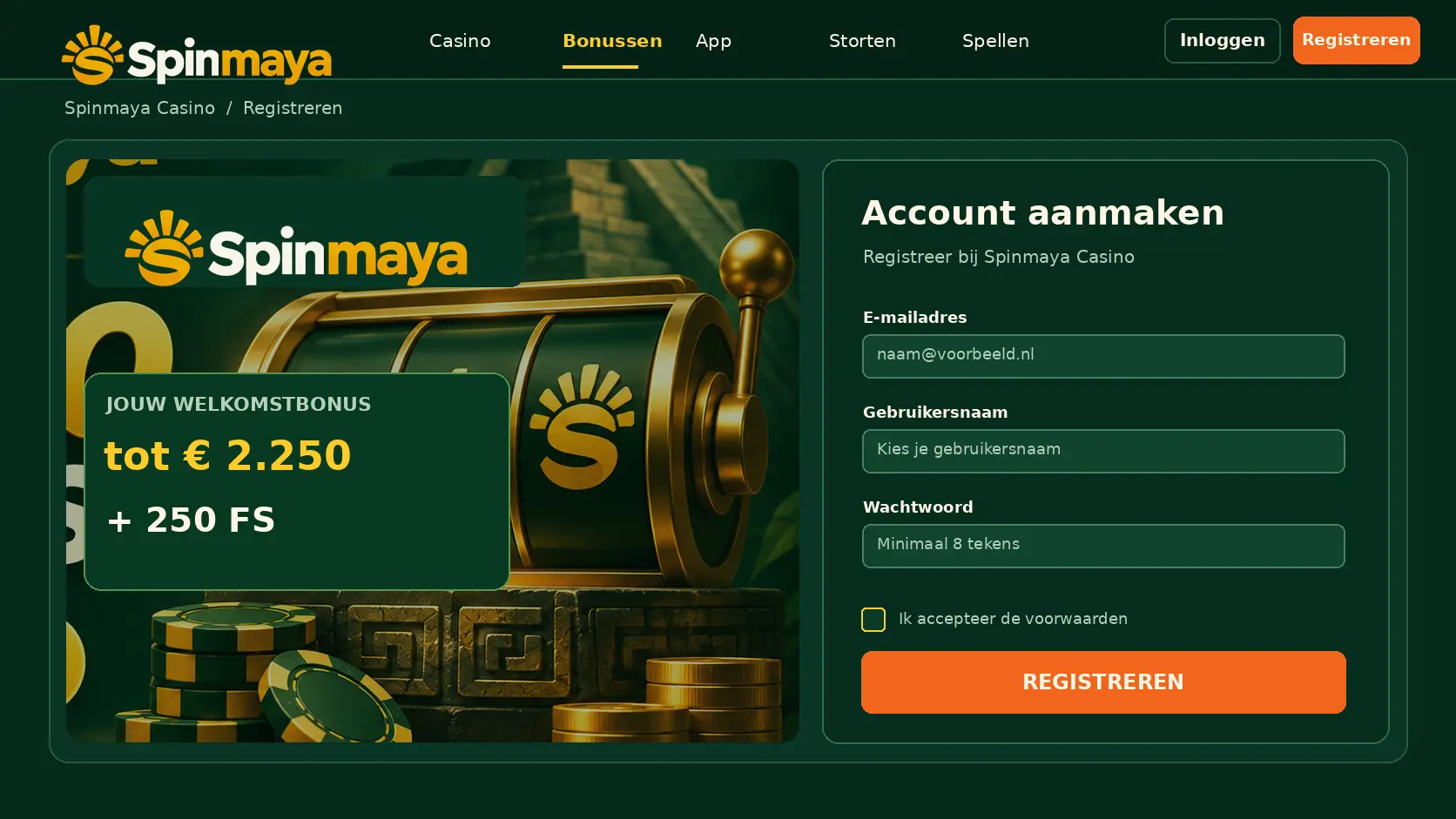
In your profile, you can change your password, contact details and notifications. You can also upload documents for account verification here, simply using your phone's camera.
Depositing on Your Phone
Depositing on mobile is done through the cashier. Choose your debit card, credit card, Skrill, Neteller or prepaid card, enter the amount and confirm. Your deposit is credited to your balance immediately. If you want a bonus, make sure to select it before paying.
Withdrawing on Your Phone
You can also request a withdrawal through the cashier on mobile. Choose your method, enter the amount and confirm. For your first withdrawal, you submit a photo of your identity document and proof of address, which can be done in just a few seconds using your phone's camera. You can track the status in your transaction history.
Gambling Safely on Mobile
The connection to Spinmaya is encrypted, including on your phone. It is better to avoid using public Wi-Fi in cafés or at train stations and instead use your own mobile data or your home Wi-Fi. Protect your phone with a PIN, facial recognition or fingerprint authentication so that nobody else can access your account.
Troubleshooting Problems on Your Phone
The Website Does Not Load
If Spinmaya does not load, first check your internet connection and try switching between Wi-Fi and mobile data. Refresh the page or close your browser completely and reopen it.
A Game Does Not Start
If a game does not start, update your browser and close other tabs. Live tables require a stronger connection, so try a more reliable network or turn your phone to landscape mode.
You Cannot Log In
Check your email address and password for typing errors. If you still cannot log in, use the password recovery option to set a new password. If the problem persists, contact live chat support.
Clearing Your Browser Data and Refreshing Your Connection
A full browser cache can cause loading problems. Clear your browser's stored data and cookies through the settings, then log in again. In most cases, Spinmaya will then run as smoothly as before.